
Automatic Color Correction & Grading Plugin for DaVinci Resolve, Vegas & Edius – ColorGradr

One-Click Balancing Fix Before You Grade
An Automatic Color Correction Plugin Designed By A Top Colorist For Video Professionals
Turn on Audio or Captions to follow along
Built-in color tools style images - ColorGradr fixes it at source
ColorGradr performs a technical balance on footage in any colourspace, giving you a clean, neutral baseline before you begin creative work. When video is under-exposed or biased, it corrects as part of the same pass — not via LUTs or guesses. For that reason its used in SDR & Log HDR broadcast, news, documentary and restoration workflows
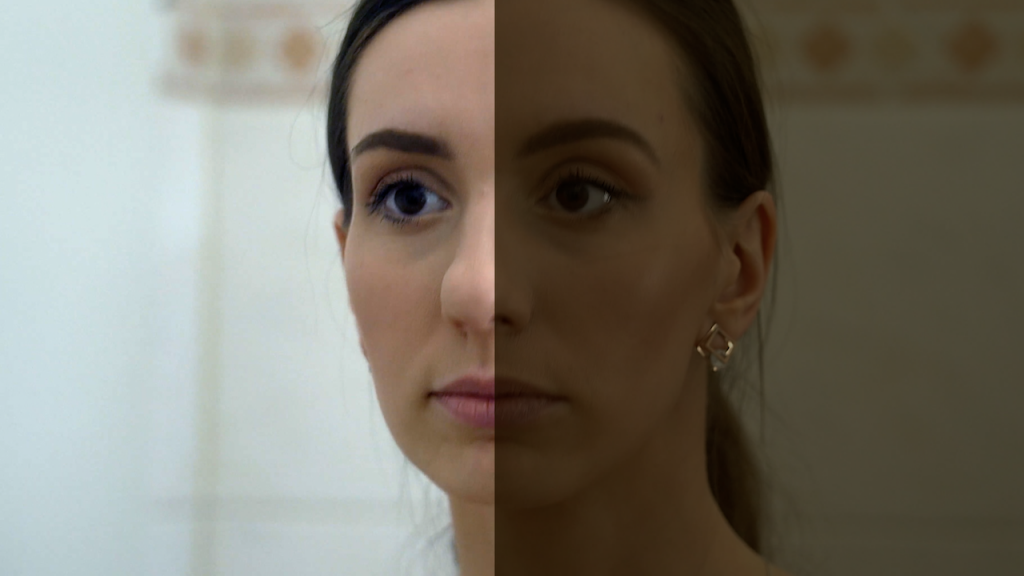
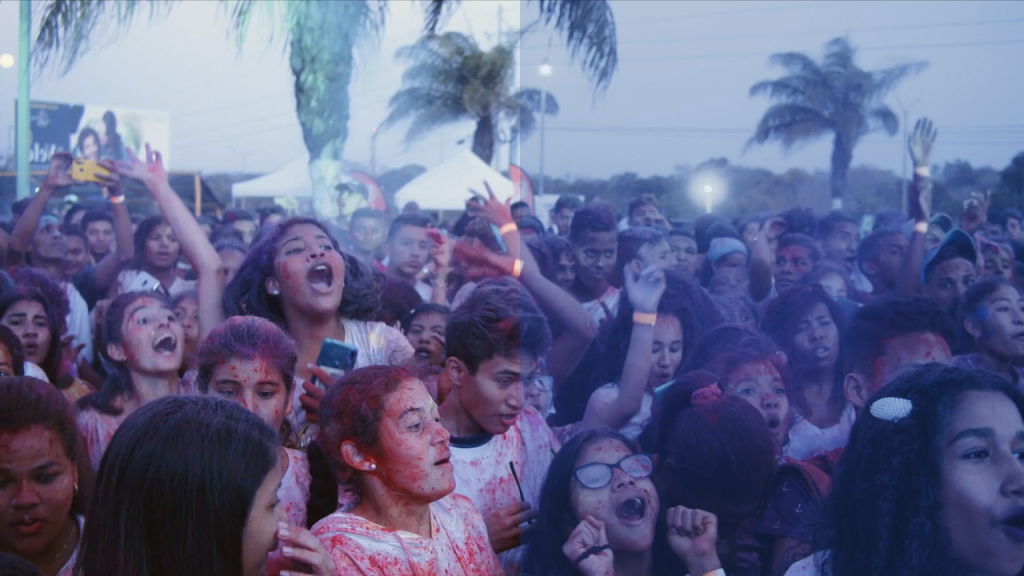
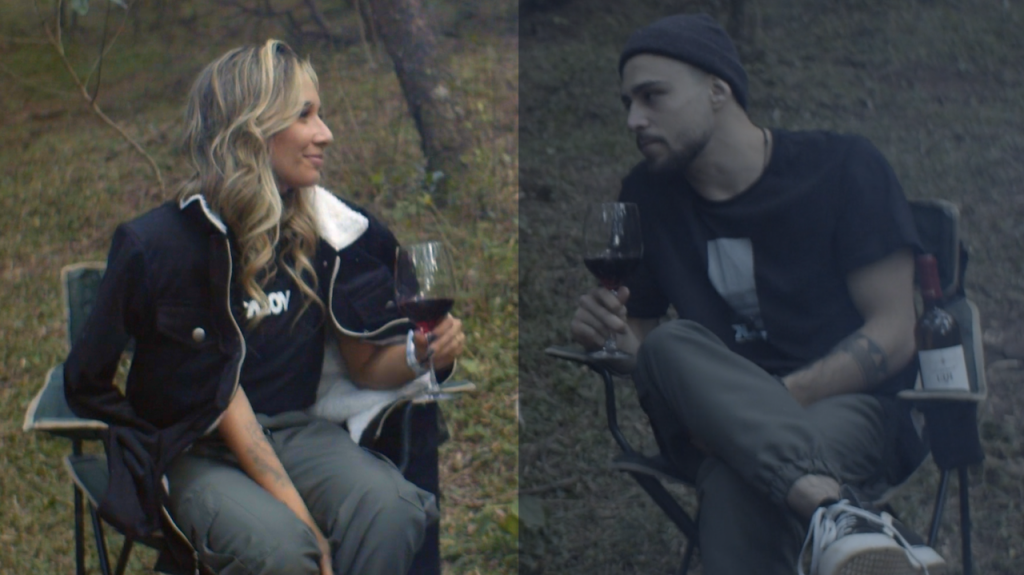
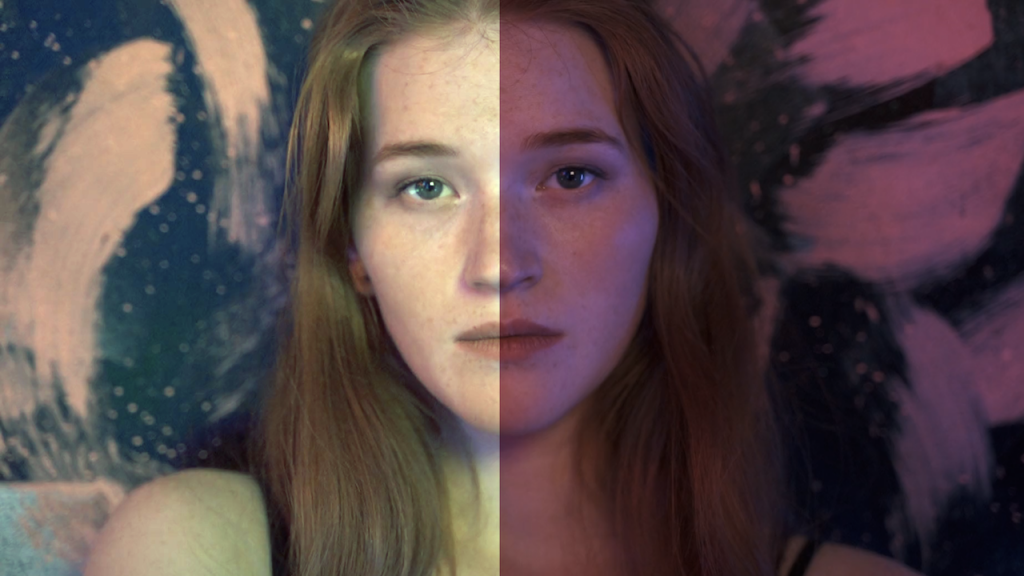
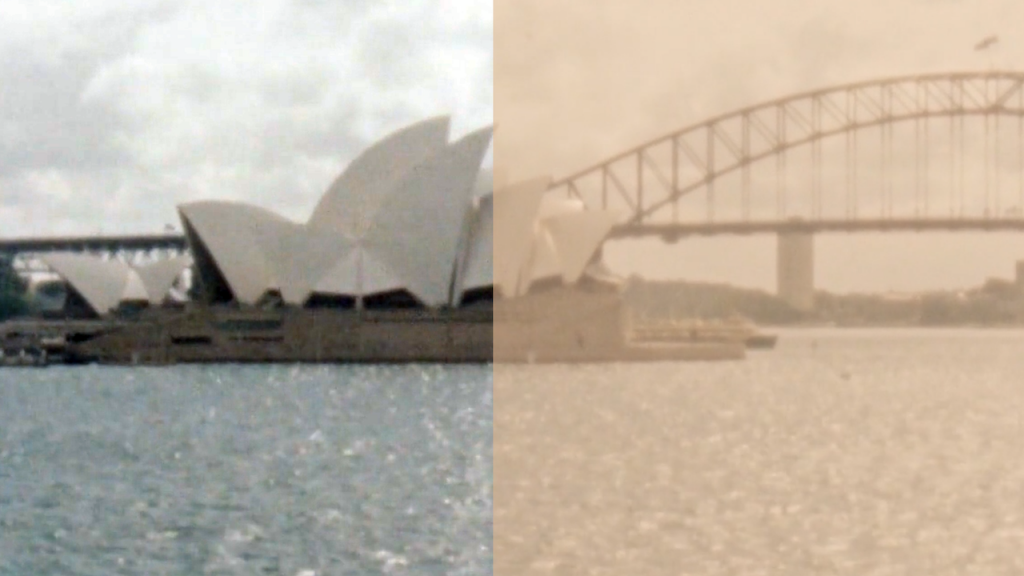
Support for DaVinci Resolve, Vegas & Edius
A simple to install OFX plugin designed to work seamlessly in your worflow
Manual correction burns time
By-eye correction compounds into redo passes, delays and slower delivery. Get creative, fast.
ColorGradr is not a style engine
It analyses channel relationships, exposure distribution and colour bias, then applies a controlled neutralisation. The result is a stable, corrected baseline in any colourspace.
Work with any video camera
Camera-agnostic by design — works on any footage. One-minute tutorials get you running immediately with zero learning curve.
Drop-in easiy — no workflow change.
ColorGradr installs as a standard OFX plugin. You keep your existing grading approach, it simply gives you a clean starting point so the rest of your pipeline performs better.
Designed for working pipelines — not just a preset
Designed by one of the world's leading colorists, whose credits include 'Day of the Jackal', 'Department Q', 'Sex Education', 'Top Boy', 'Gangs of London', 'The Girlfriend' and more. Developed over eight years with leading video software architects.
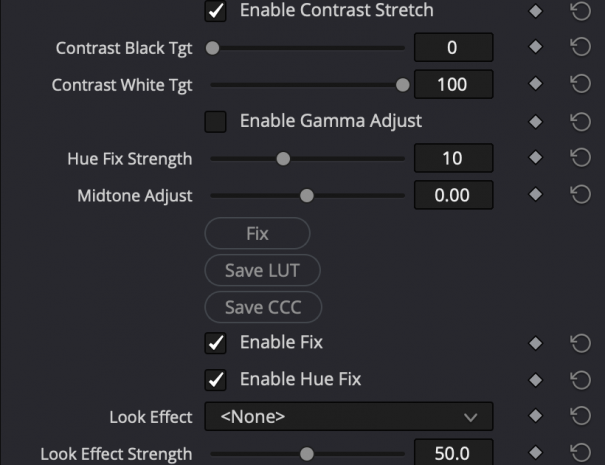
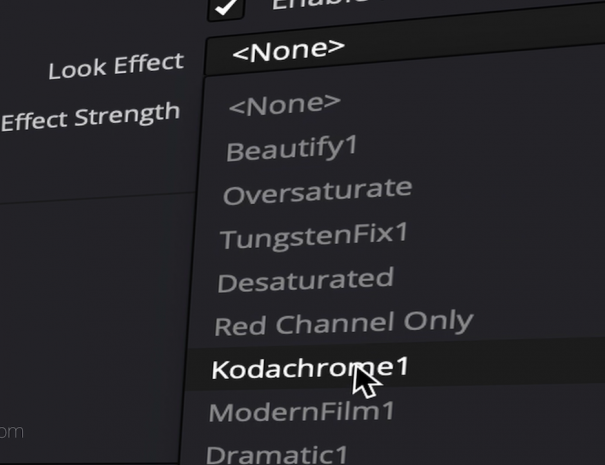
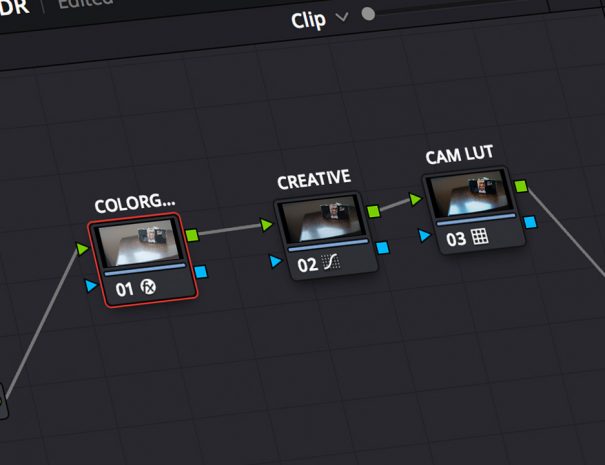
Fast Results
Up to 50× faster than fixing problem shots manually.
Zero Friction Setup
One-button OFX plugin — installs cleanly on macOS and Windows.
Intelligent Simplicity
Proprietary correction algorithms with adjustable target black/white levels, color bias and midtone adjustments.